
Pagemint
For iPhone · Coming soon
Turn photos into PDF in seconds
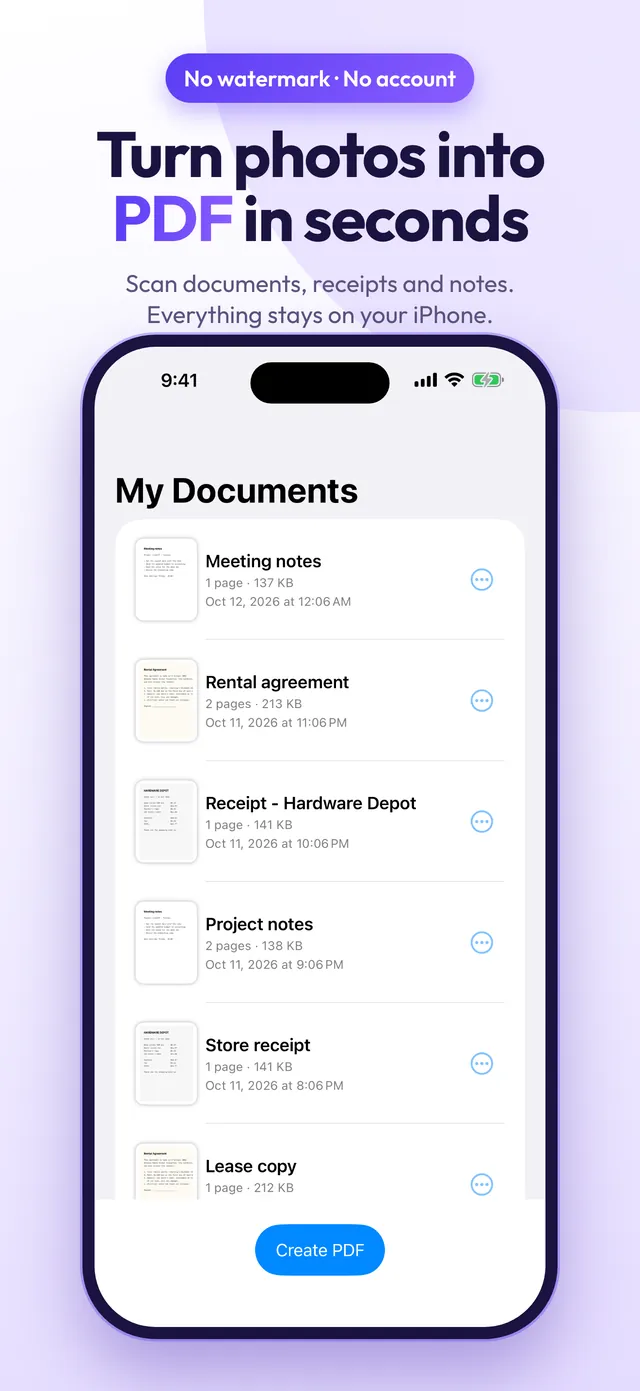
Pagemint converts photos from your camera or gallery into clean PDF files: receipts, contracts, homework, notes and ID copies. Pick your pages, set the size, and share.
No watermark, no account, no ads. Everything happens on your iPhone.
- No watermark
- No account, no ads
- Everything stays on your iPhone
Screenshots
Inside the app
Features
What Pagemint does
Camera or photo library
Add JPG and PNG images from your photo library or take them with the camera, then crop and apply a filter to every page.
Page size and margins
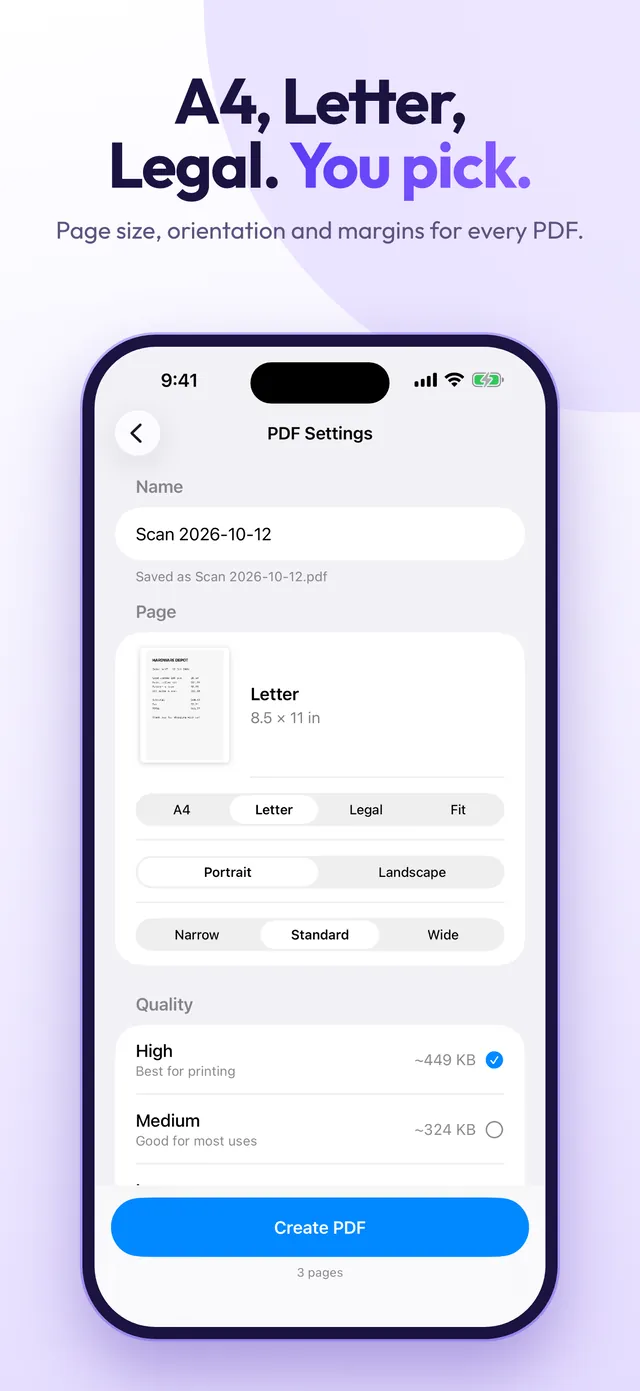
Pick A4, Letter, Legal or fit to image, portrait or landscape, and narrow, standard or wide margins.
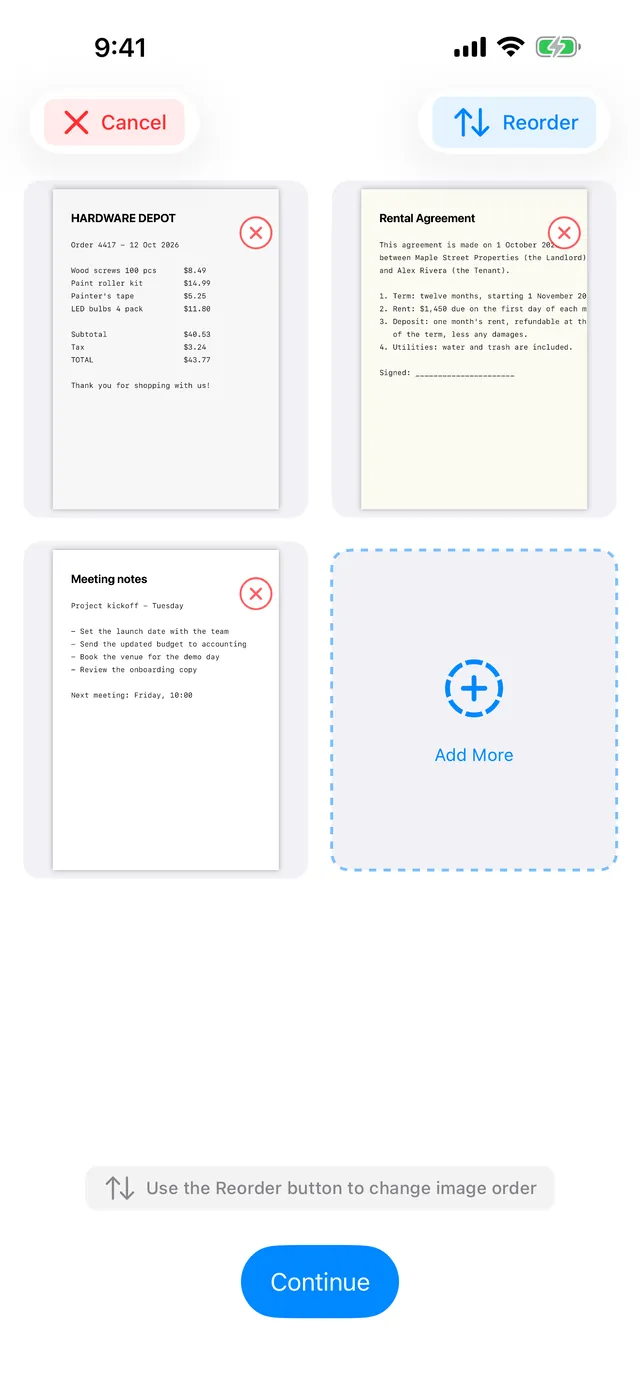
Reorder and remove pages
Change the order of your pages, remove the ones you do not need and add more before you save.
Rename and share
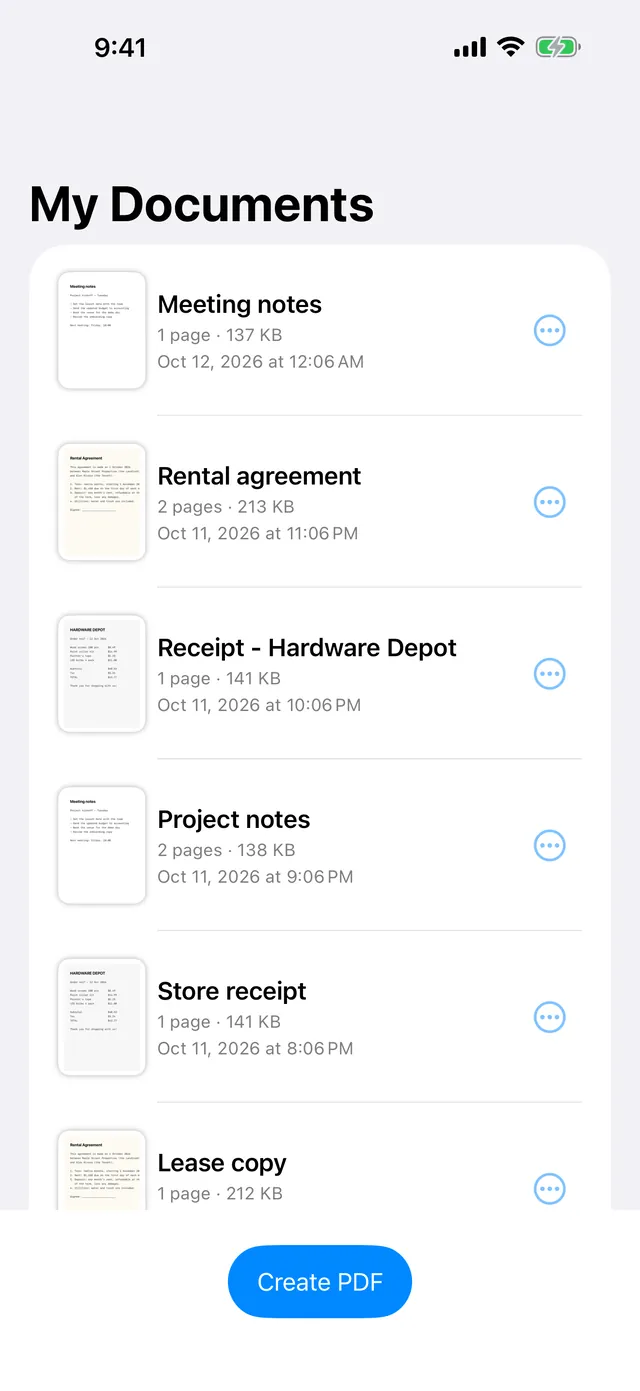
Name your PDF and share it anywhere from the iOS share sheet.
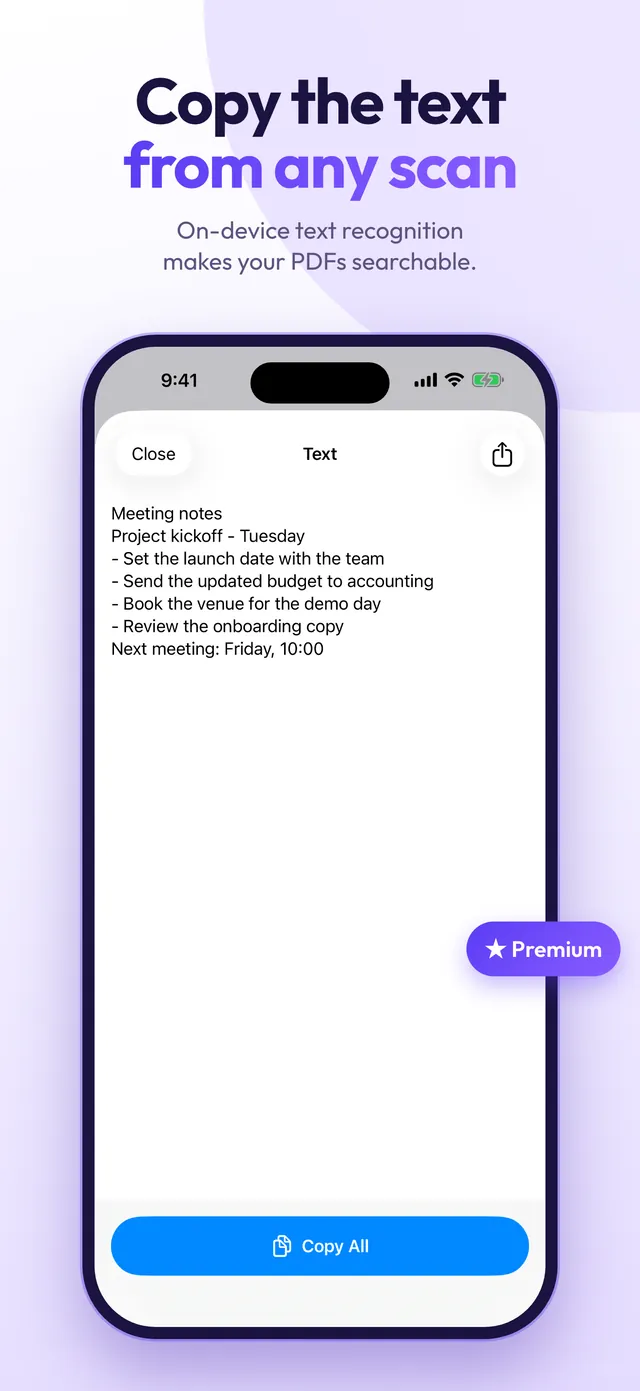
Copy Text (Premium)
On-device text recognition makes the PDF searchable and lets you copy the text. Nothing is uploaded.
PDF quality and Compress (Premium)
Choose high, medium or low quality with the estimated size shown first, or compress a saved PDF into a smaller copy and keep the original.
Free to download
Unlimited PDFs with no watermark are free. Premium unlocks:
- Copy Text: searchable PDFs with on-device text recognition
- PDF quality: high, medium or low, with the estimated size
- Compress saved PDFs into a smaller copy
FAQ
Questions
Support
Need help with Pagemint? Email support@enduranceapptitude.com and tell us your iPhone model and iOS version.
Does Pagemint add a watermark?
No. PDFs are unlimited and never have a watermark, also on the free plan.
Do I need an account? Where are my photos?
No account. Your photos and PDFs stay on your iPhone and are never uploaded. Text recognition runs on the device too.
Is Pagemint free?
Free to use: unlimited PDFs, crop and filters, page sizes, margins, orientation, reorder and share. Premium is optional and adds Copy Text, PDF quality and Compress.
What does Premium cost?
Monthly, yearly (with a 3-day free trial) or a one-time lifetime purchase. Prices are shown in the app and may vary by country.
How do I cancel Premium or restore a purchase?
Subscriptions are managed in your Apple Account settings on your iPhone. To use a purchase on a new device, tap Restore Purchases in the app. For anything else, email us.
Pagemint is coming to iPhone
Turn photos into PDF in seconds. No watermark, no account, everything on your iPhone.
More apps from Endurance Apptitude
 Birthday CountdownSee how many days until every birthday and get reminded before the big day.
 Contraction Tracker & TimerTime each contraction with one tap and see your pattern for the last hour.
 Fan NoiseReal fan sounds for sleep that keep playing with your screen locked.
 Tally CounterCount anything with a big + button, haptic feedback and as many counters as you need.