Aquory
For iPhone · Coming soon
Log every drink in one tap
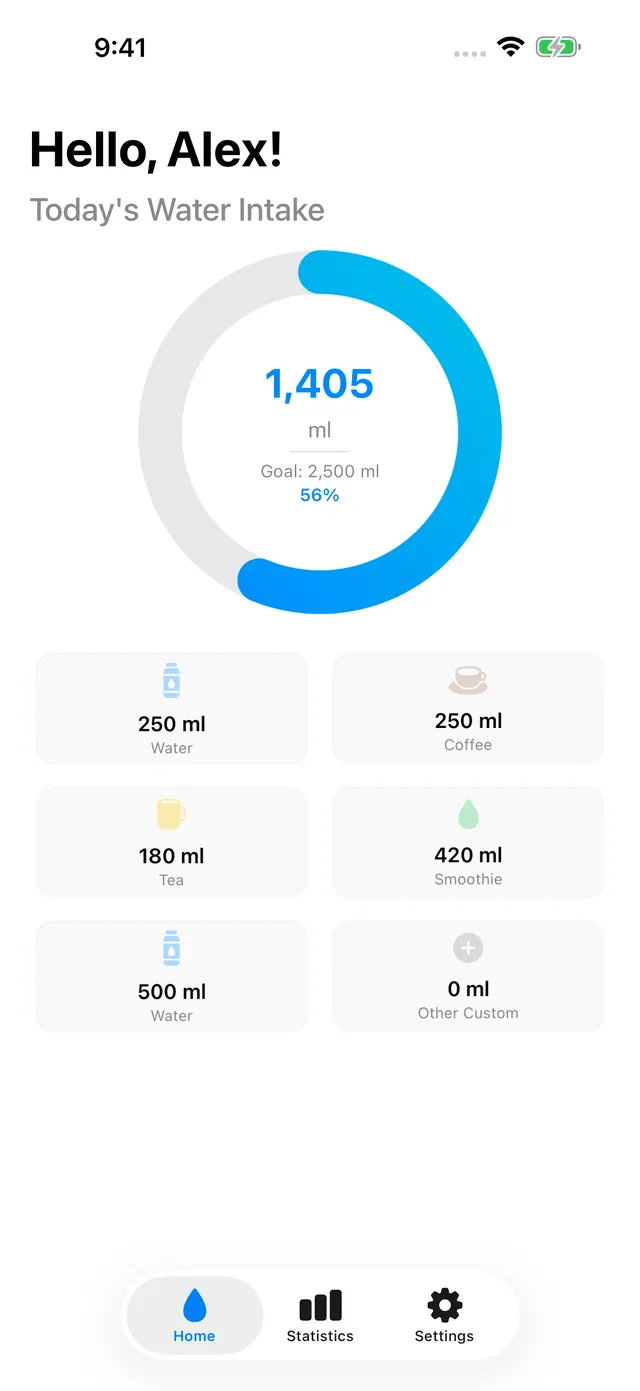
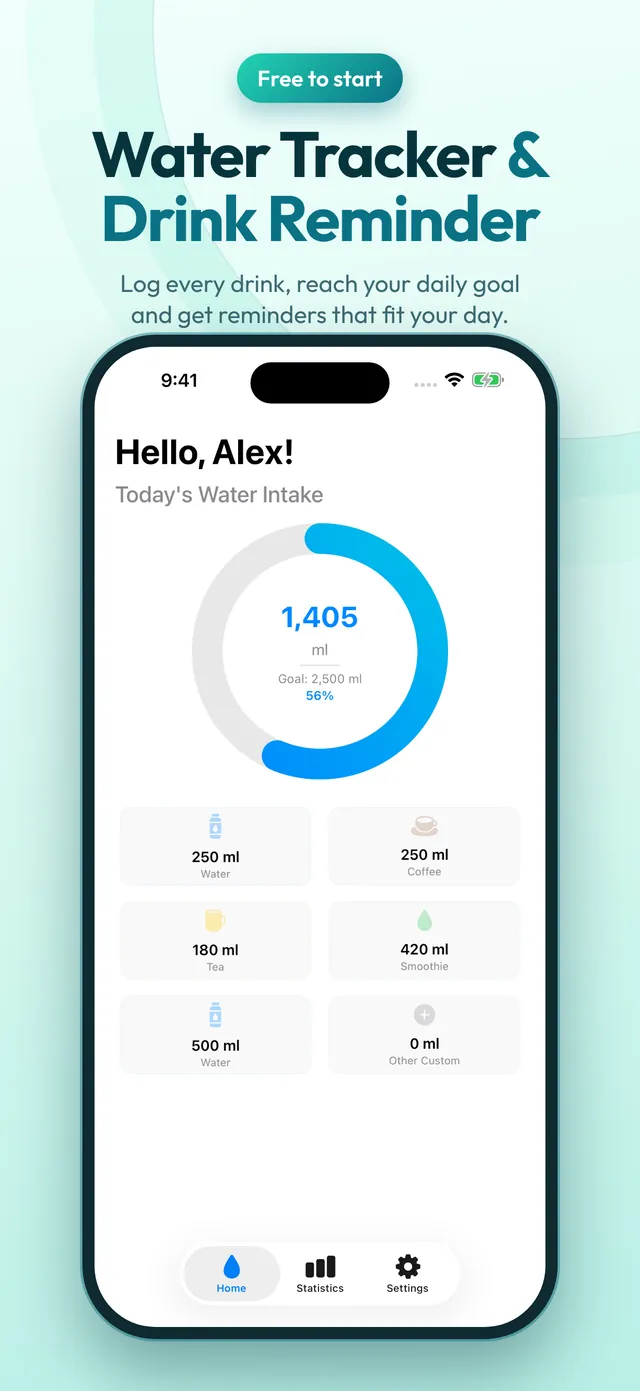
Aquory is a simple water tracker for iPhone. Tell it a little about you and it calculates your daily goal. Then tap once to log a glass, a bottle, coffee, tea or a smoothie, and watch the ring fill up.
Add widgets to your Home Screen to log water without opening the app, and get gentle reminders that stop for the day once you reach your goal. Free to start.
- One-tap logging
- Reminders that stop at your goal
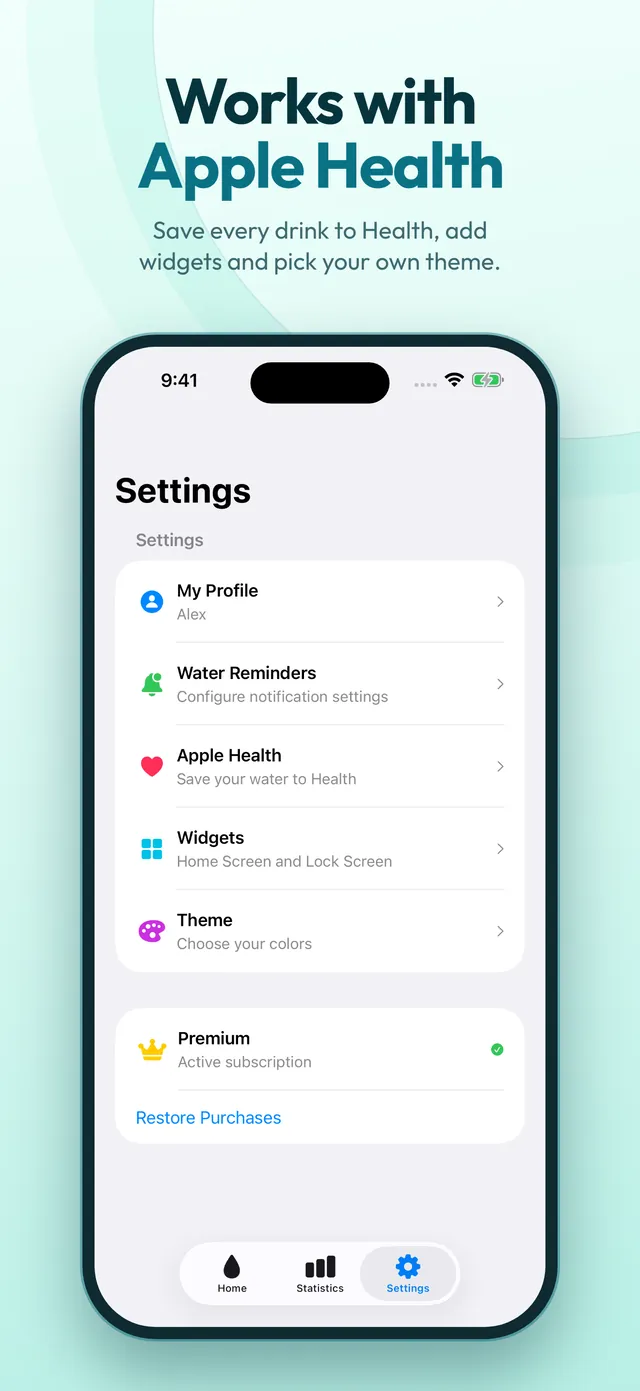
- Optional Apple Health
Not medical advice. Aquory is a habit tool and your daily goal is a general estimate. Ask your doctor how much water is right for you.
Screenshots
Inside the app
Features
What Aquory does
Log in one tap
Quick buttons for water, coffee, tea, smoothies and your own custom amounts, and a manual entry for the times you forget.
A daily goal made for you
Your goal is calculated from the profile you enter, and everything stays on your iPhone.
Widgets
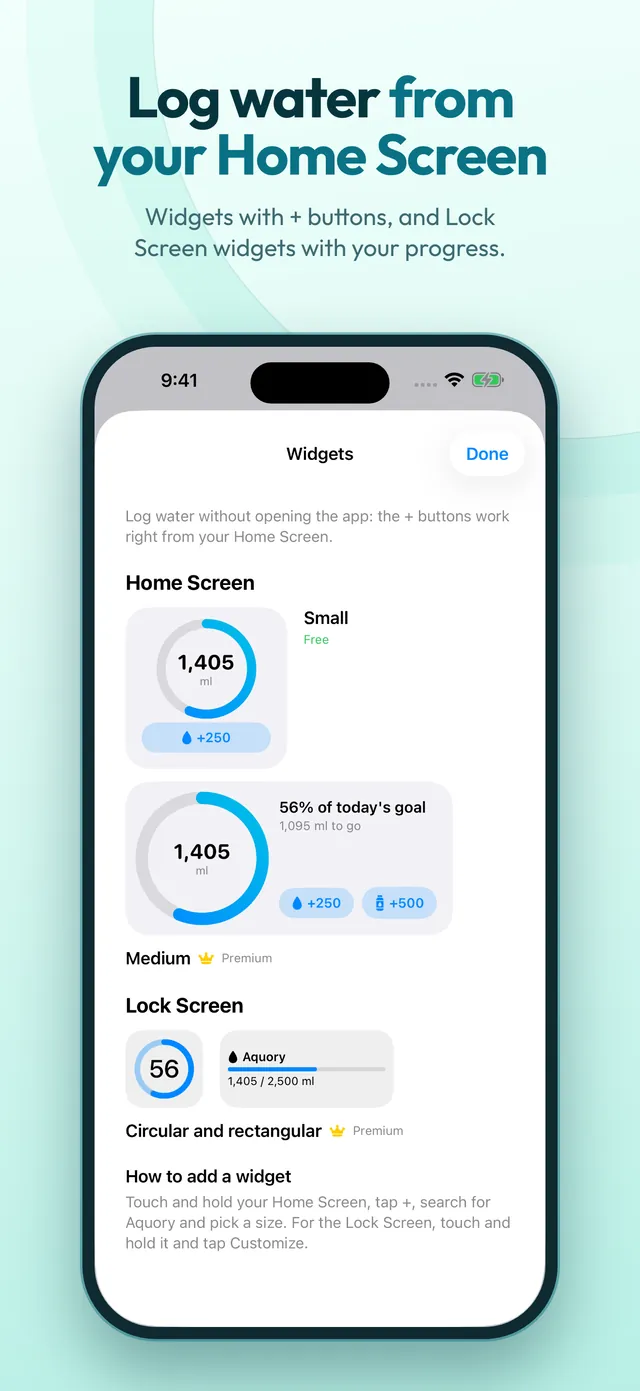
Home Screen widgets with + buttons let you log water without opening the app. Medium and Lock Screen widgets come with Premium.
Reminders that fit your day
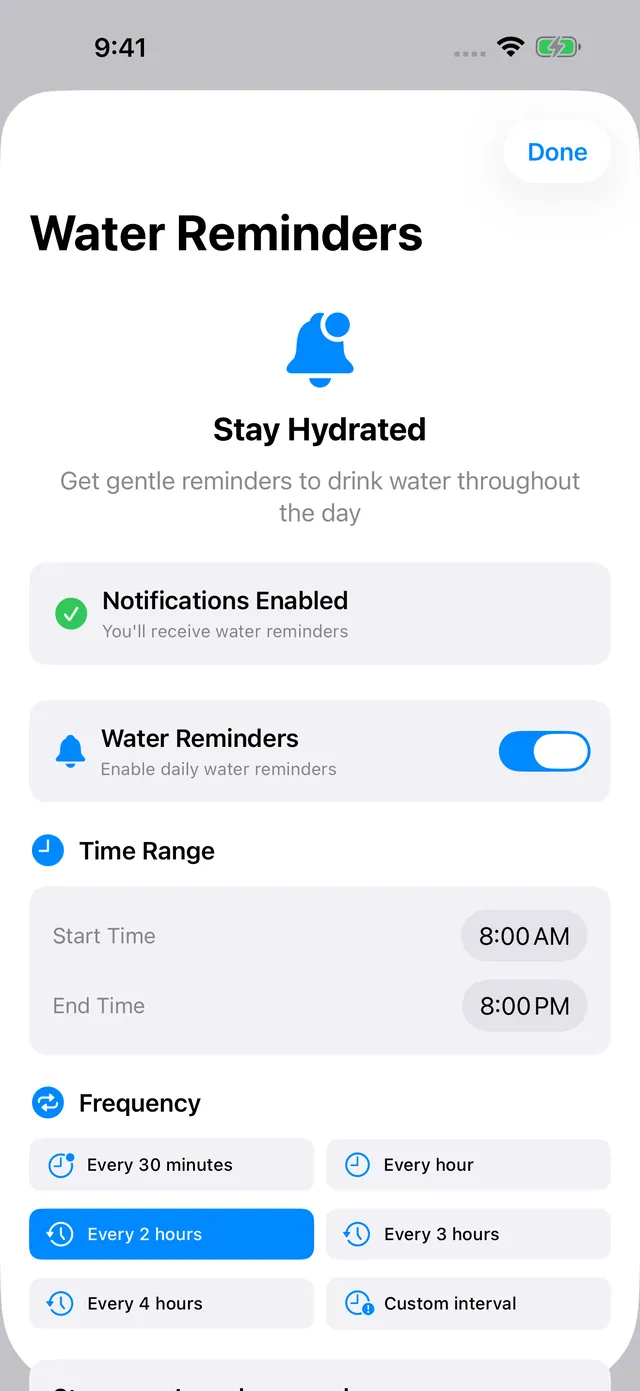
Choose your start and end time and how often: every 30 minutes, every hour, 2, 3 or 4 hours. Reminders stop for the day once you reach your goal.
Apple Health
Save every drink you log to Apple Health as water intake. With Premium, count the water other apps log in Health toward your goal.
Statistics and themes
See the last 7 days against your goal. Premium adds daily and monthly views and the Mint, Sunset, Violet and Graphite themes.
Free to download
Logging, your daily goal, reminders, weekly statistics, the small widget and saving to Apple Health are free. Premium unlocks:
- Daily and monthly statistics
- Medium and Lock Screen widgets
- Include water from other apps in Apple Health
- All themes and custom reminder intervals
FAQ
Questions
Support
Need help with Aquory? Email support@enduranceapptitude.com and tell us your iPhone model and iOS version.
How is my daily goal calculated?
From the profile you enter (such as weight and activity level). It is a general estimate, not medical advice. Ask your doctor how much water is right for you.
Do I need an account? Where is my data?
No account. Your profile and water log are stored on your iPhone, and there are no analytics. See the Privacy Policy for details.
Does Aquory work with Apple Health?
Yes, and it is optional. Aquory saves every drink you log to Apple Health as water intake. With Premium it can also count the water other apps log in Health toward your goal.
Is Aquory free?
Free to start. Premium is optional: a yearly subscription (with a 7-day free trial), a monthly subscription or a one-time lifetime purchase.
How do I cancel Premium or restore a purchase?
Subscriptions are managed in your Apple Account settings on your iPhone. To use a purchase on a new device, tap Restore Purchases in the app. For anything else, email us.
Not medical advice. Aquory is a habit tool and your daily goal is a general estimate. Ask your doctor how much water is right for you.
Aquory is coming to iPhone
A simple water tracker with one-tap logging, a daily goal made for you, widgets and Apple Health. Free to start.
More apps from Endurance Apptitude
 Birthday CountdownSee how many days until every birthday and get reminded before the big day.
 Contraction Tracker & TimerTime each contraction with one tap and see your pattern for the last hour.
 Fan NoiseReal fan sounds for sleep that keep playing with your screen locked.
 Tally CounterCount anything with a big + button, haptic feedback and as many counters as you need.