Birthday Countdown
For iPhone · Free with in-app purchases
Count down to every birthday
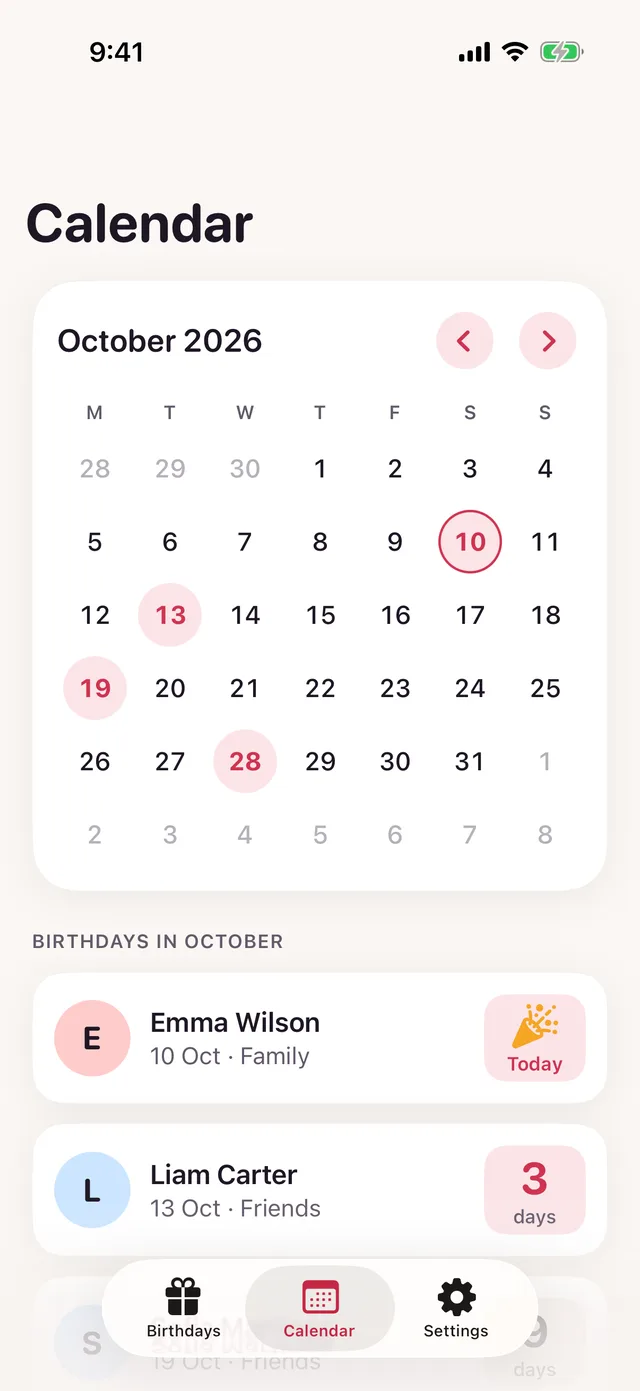
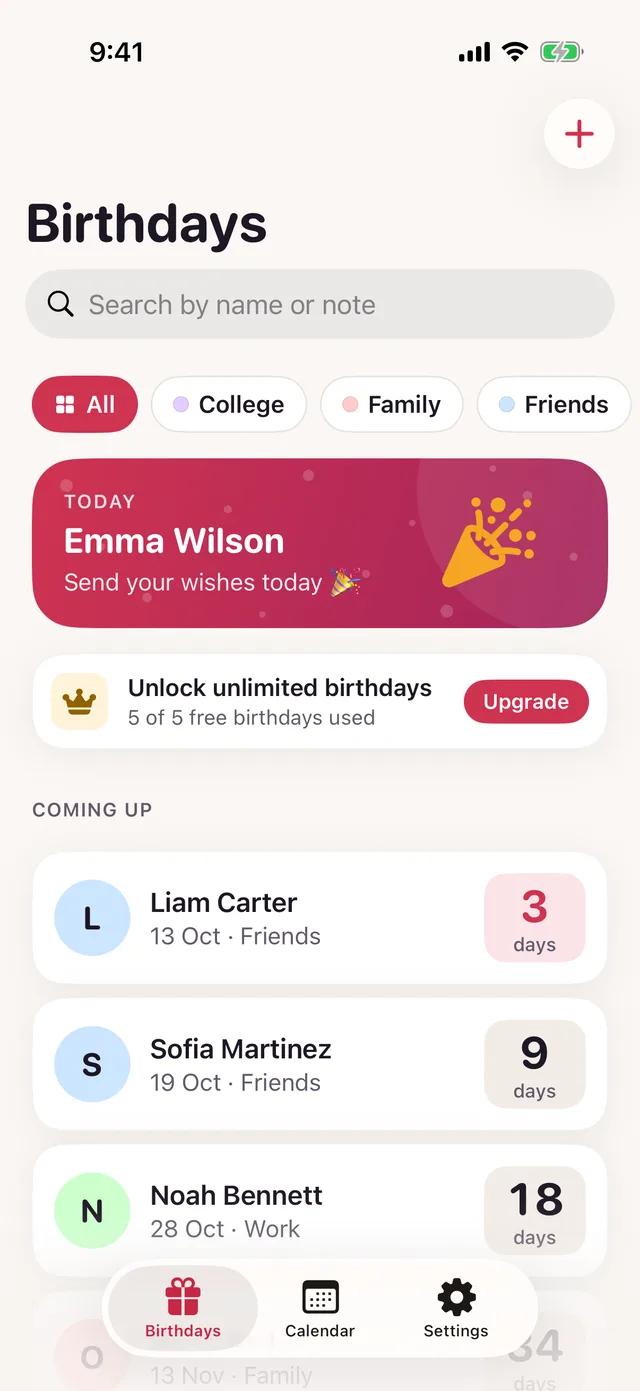
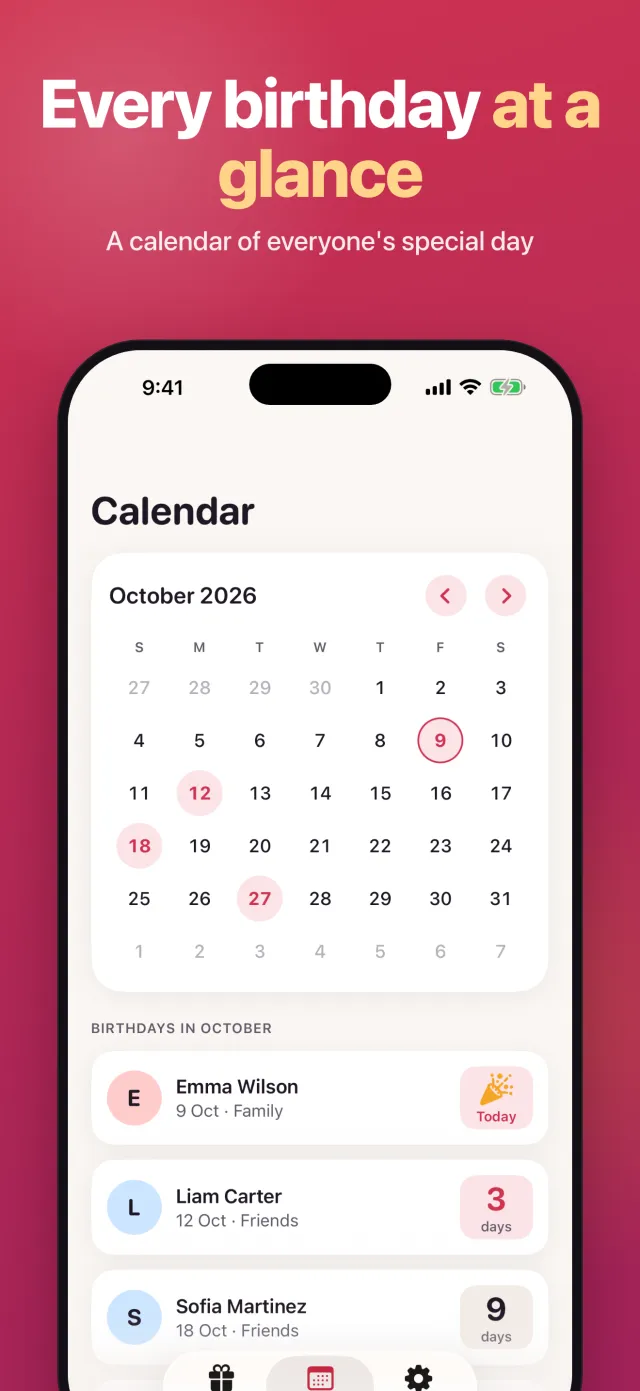
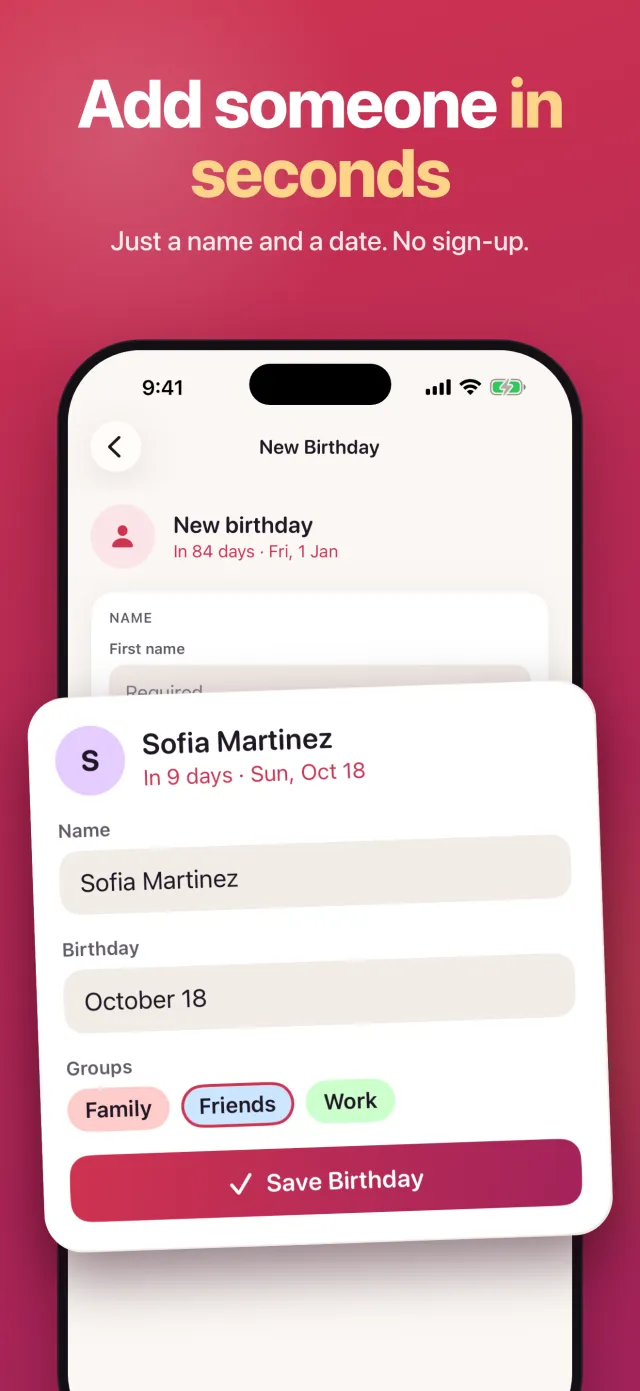
Birthday Countdown shows how many days are left until each birthday on your list, with the next one at the top and on your Home Screen widget. Add a name, a date and a note, sort people into groups like family or work, and see every birthday on a monthly calendar.
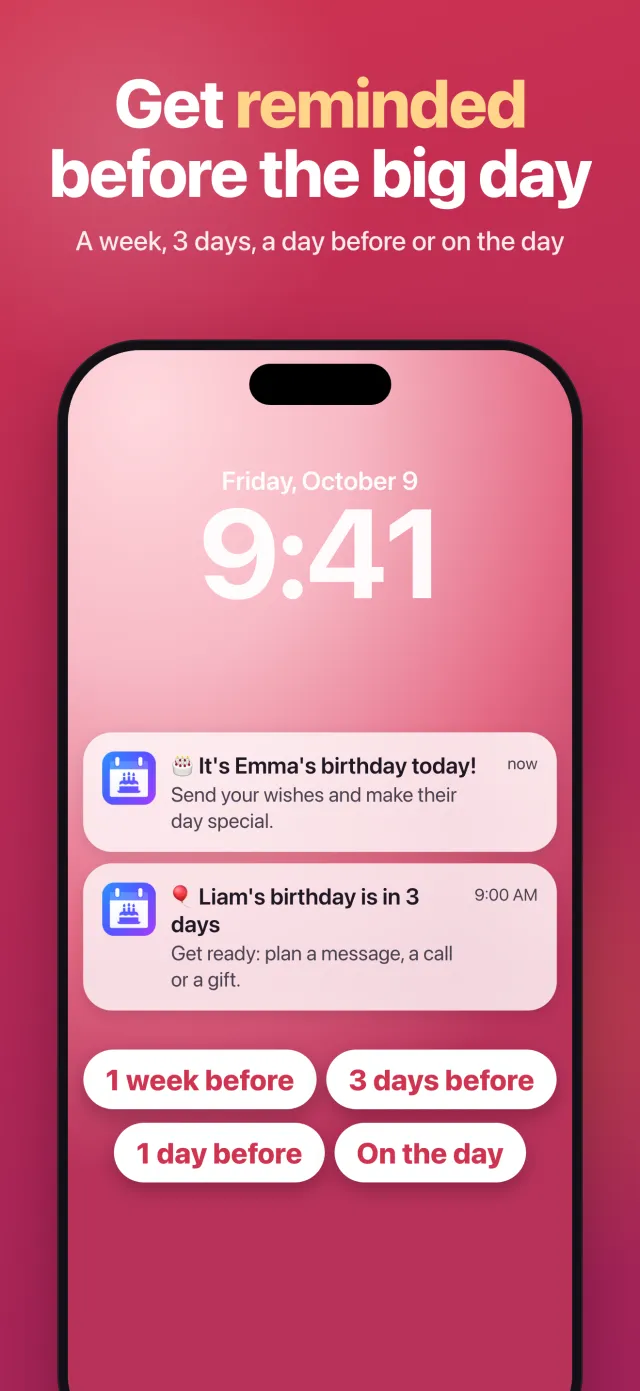
Get a reminder on the day, or 1 day, 3 days or a week before, at the time you choose. Free for up to 5 birthdays.
- Reminders at the time you choose
- Home Screen widgets
- No account needed

Screenshots
Inside the app
Features
What Birthday Countdown does
A live countdown for everyone
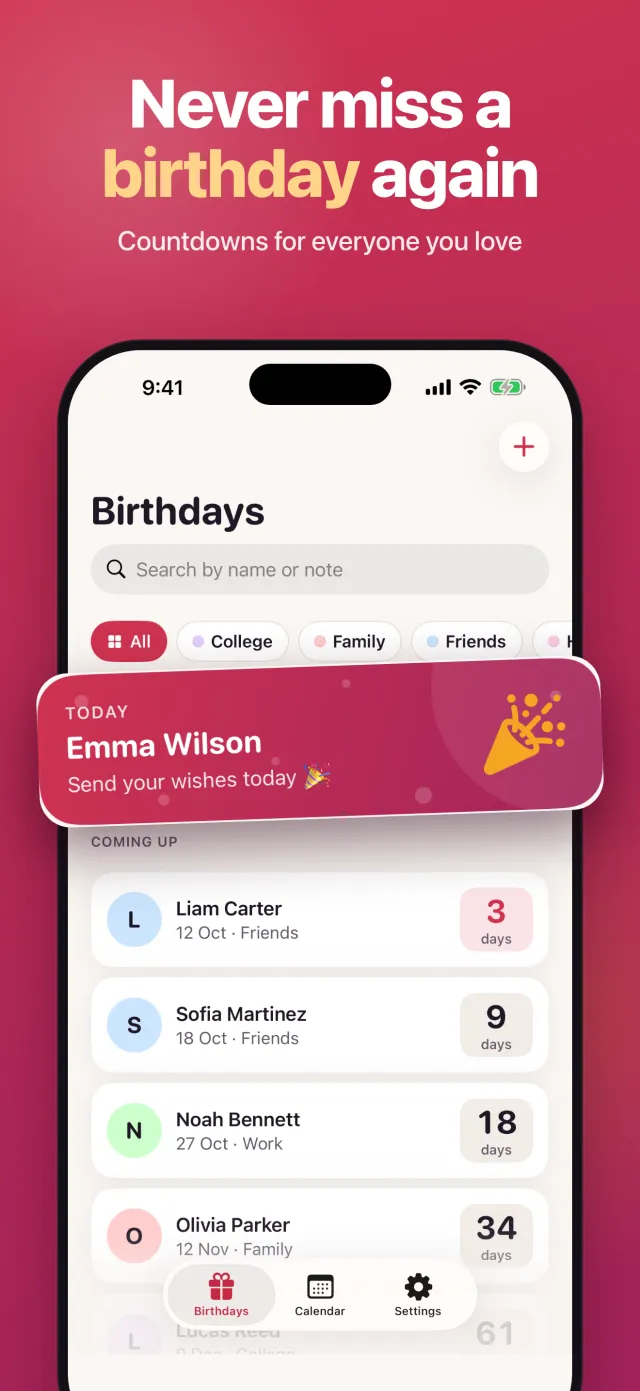
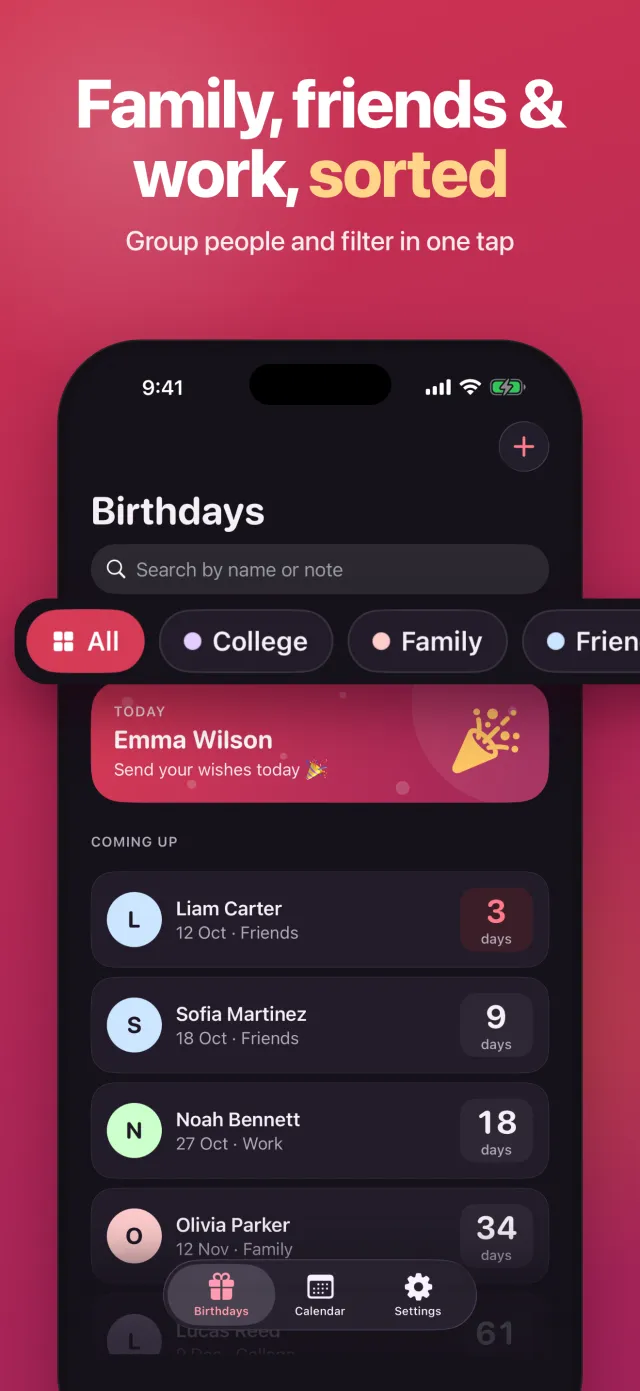
Every birthday shows the days left, and the next one gets the spotlight at the top of your list.
Reminders that fit you
On the day, 1 day, 3 days or 1 week before, or any number of days you pick. Each reminder has its own time and an optional message, and you can add more than one per birthday.
Widgets
Keep the next birthday on your Home Screen (small and medium) without opening the app. Premium adds Lock Screen widgets.
Monthly calendar
See every birthday of the month at a glance and jump to any date.
Groups, search and archive
Sort people into family, friends, work or your own groups, filter with one tap, search by name or note, and archive birthdays you no longer need.
Make it yours
Pick an accent color for each birthday. Premium adds a photo and card backgrounds like confetti, sunset or aurora.
Free to download
Free for up to 5 birthdays. Premium unlocks:
- Unlimited birthdays
- Lock Screen widgets
- A photo for each birthday
- Card backgrounds
- CSV export of your list
FAQ
Questions
Support
Need help with Birthday Countdown? Email support@enduranceapptitude.com and tell us your iPhone model and iOS version.
How can I see how many days until my birthday?
Add your birthday (name, day and month) to Birthday Countdown. The app shows the days left and updates the count every day. Add family and friends too and the list sorts itself by the next birthday.
Is there a birthday countdown widget for iPhone?
Yes. Birthday Countdown has Home Screen widgets (small and medium) that show the next birthday and how many days are left. Lock Screen widgets are part of Premium.
How do I get birthday reminders on my iPhone?
Open a birthday in the app and add a reminder: on the day, 1 day, 3 days or a week before, or a custom number of days. Choose the time and, if you want, a message. Reminders are notifications scheduled on your iPhone.
Is Birthday Countdown free?
Yes, it is free to download and free for up to 5 birthdays. Premium is an optional in-app purchase that unlocks unlimited birthdays, Lock Screen widgets, photos, card backgrounds and CSV export.
Do I need an account? Where are my birthdays stored?
No account. The names, dates and notes you enter stay on your iPhone. See the privacy policy for the analytics and purchase data the app uses.
Guides
Guides for Birthday Countdown
- How to add birthdays to Google Calendar
Add birthdays to Google Calendar through Contacts, a birthday event or a yearly event. Follow the steps and check notifications before you rely on them.
- Birthday reminder board, book or app: which fits?
Choose a birthday reminder board, book or iPhone app. Compare wall space, room for notes and advance alerts, with a checklist for buying a reusable board.
- Birthday reminder Excel: build a sheet with formulas
Build a birthday reminder Excel sheet with copyable formulas, a seven-day highlight and year rollover. See how to use the same layout in Google Sheets.
- Birthday reminder widget on iPhone: configure and check alerts
Pair a birthday reminder widget on iPhone with advance alerts. Set a useful schedule, check notification permissions, and troubleshoot missing reminders.
- Birthday reminders not working on iPhone
Birthday reminders not working on iPhone? Check Calendar alerts, notification permissions, Focus and reminder times, with steps for Birthday Countdown.
- How to add a countdown widget on iPhone
Add a countdown widget to your iPhone Home Screen or Lock Screen. Follow the setup steps, compare sizes, and check Birthday Countdown's free limits.
- How does my calendar know my birthday?
Find where iPhone Calendar gets your birthday, check Contacts and My Card, hide unwanted birthdays, and set reminders without changing your whole list.
- How to add birthdays to iPhone Calendar
Two ways to put a birthday on your iPhone calendar: a yearly repeating event with an alert, or the Contacts birthday field and the Birthdays calendar.
- Birthday calendar: paper, spreadsheet or app
A birthday calendar lists every birthday by month. Compare a printable, a spreadsheet template and an app, and see which one fits how you keep track.
- Birthday countdown: what it is and how to keep one
A birthday countdown shows the days left until a birthday. See how the count works and how to keep one with a paper chain, a phone timer or an app.
- Birthday list template you can copy
Copy a simple birthday list template with name, date, group and gift idea columns, see where paper falls short, and how to keep the same list on your iPhone.
- Birthday reminder app for iPhone: how to choose one
How to pick a birthday reminder app for iPhone: check lead time, number of alerts, widgets, privacy, how birthdays get in, and what the free tier limits.
- How many days until my birthday?
Work out how many days are left until your birthday with a day-of-year table and two worked examples, or let an iPhone app count it for you every day.
- How to remember birthdays
How to remember birthdays without relying on memory: save the date when you hear it, set a reminder days ahead, and glance at the week coming up.
- How to see upcoming birthdays
See whose birthday is coming up on Facebook, Google Calendar and iPhone, then keep your own list sorted with the next birthday on top as a hero card.
Get Birthday Countdown for iPhone
See how many days until every birthday and get reminded before the big day.
More apps from Endurance Apptitude
 Contraction Tracker & TimerTime each contraction with one tap and see your pattern for the last hour.
 Fan NoiseReal fan sounds for sleep that keep playing with your screen locked.
 Tally CounterCount anything with a big + button, haptic feedback and as many counters as you need.
 Fasting TimerTrack your intermittent fast with a live timer, fasting stages and streaks, right on your Lock Screen.